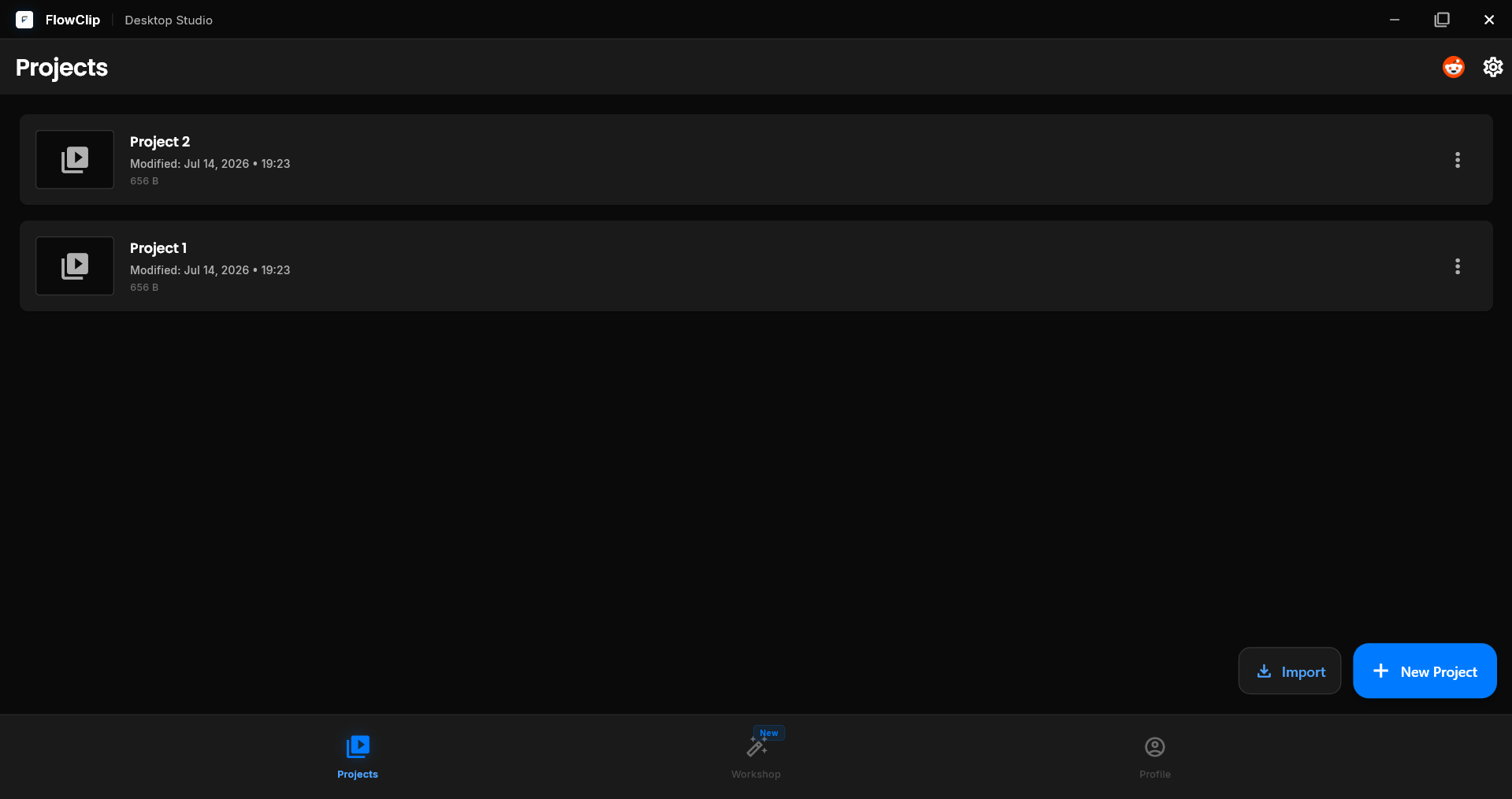
Available on Android & Windows · v2.0.4

Professional editing,
right on any screen.

FlowClip brings a full multi-track timeline, keyframe animation, and 4K 60fps export to your phone and desktop — fast, private, and completely free of watermarks and accounts.

4.8 Average rating · Free to start · No watermark, ever

FlowClip timeline editor on Windows
4.8
App rating
4K
60fps export
2
Platforms
0
Watermarks / ads
Capabilities

A complete editing suite, minus the complexity.

Everything you need for serious editing on a phone or a desktop — fast, focused, and fully offline.

01

Full multi-track timeline

Layer video, audio, titles, and overlays on unlimited tracks. Trim to the frame, then fine-tune resolution, frame rate, and aspect ratio per clip.

  • Unlimited video, audio, and title tracks
  • Split-second precision trimming
  • Per-track resolution, frame rate & aspect ratio
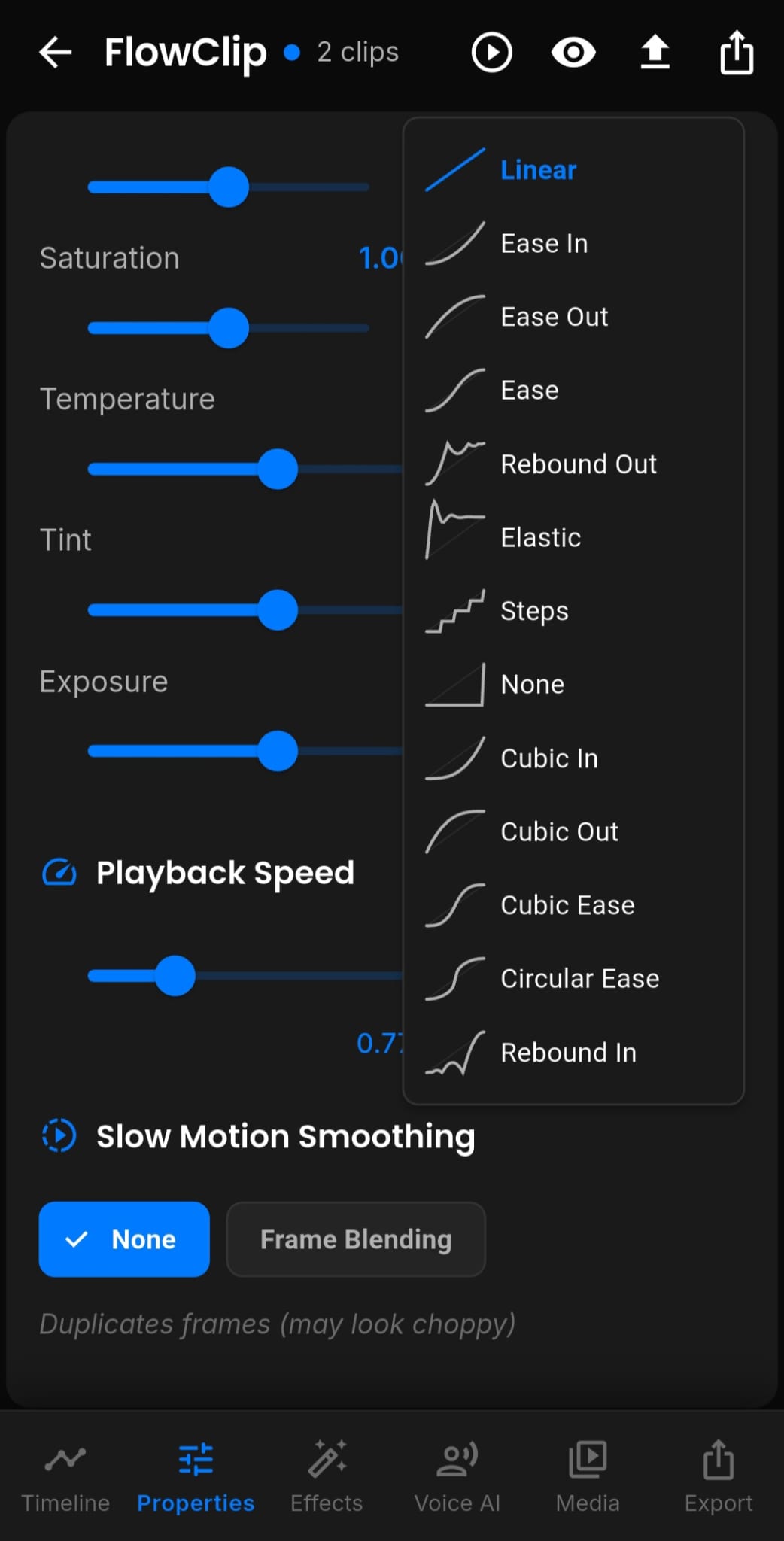
Video and clip properties in FlowClip
02

Animation with real control

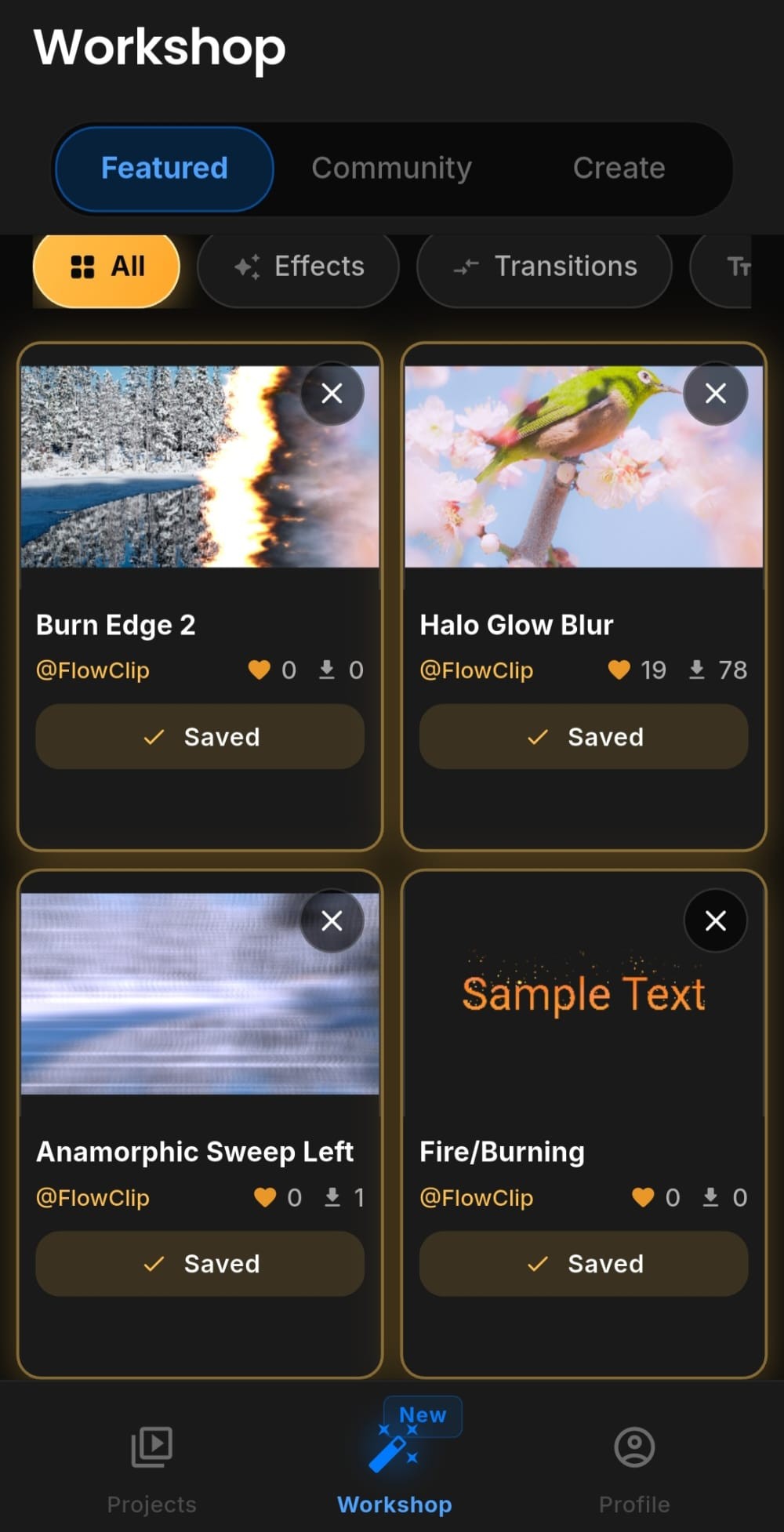
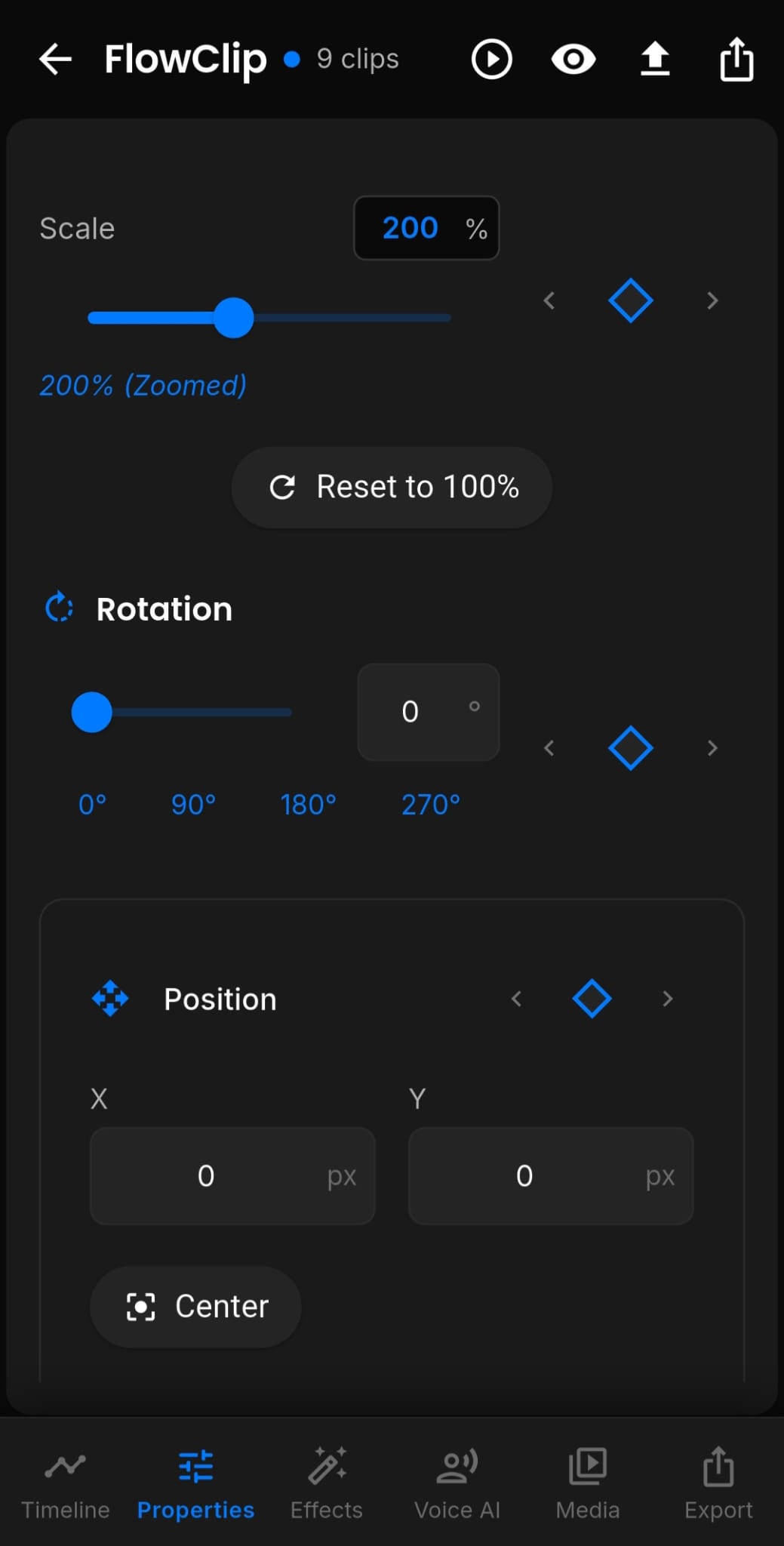
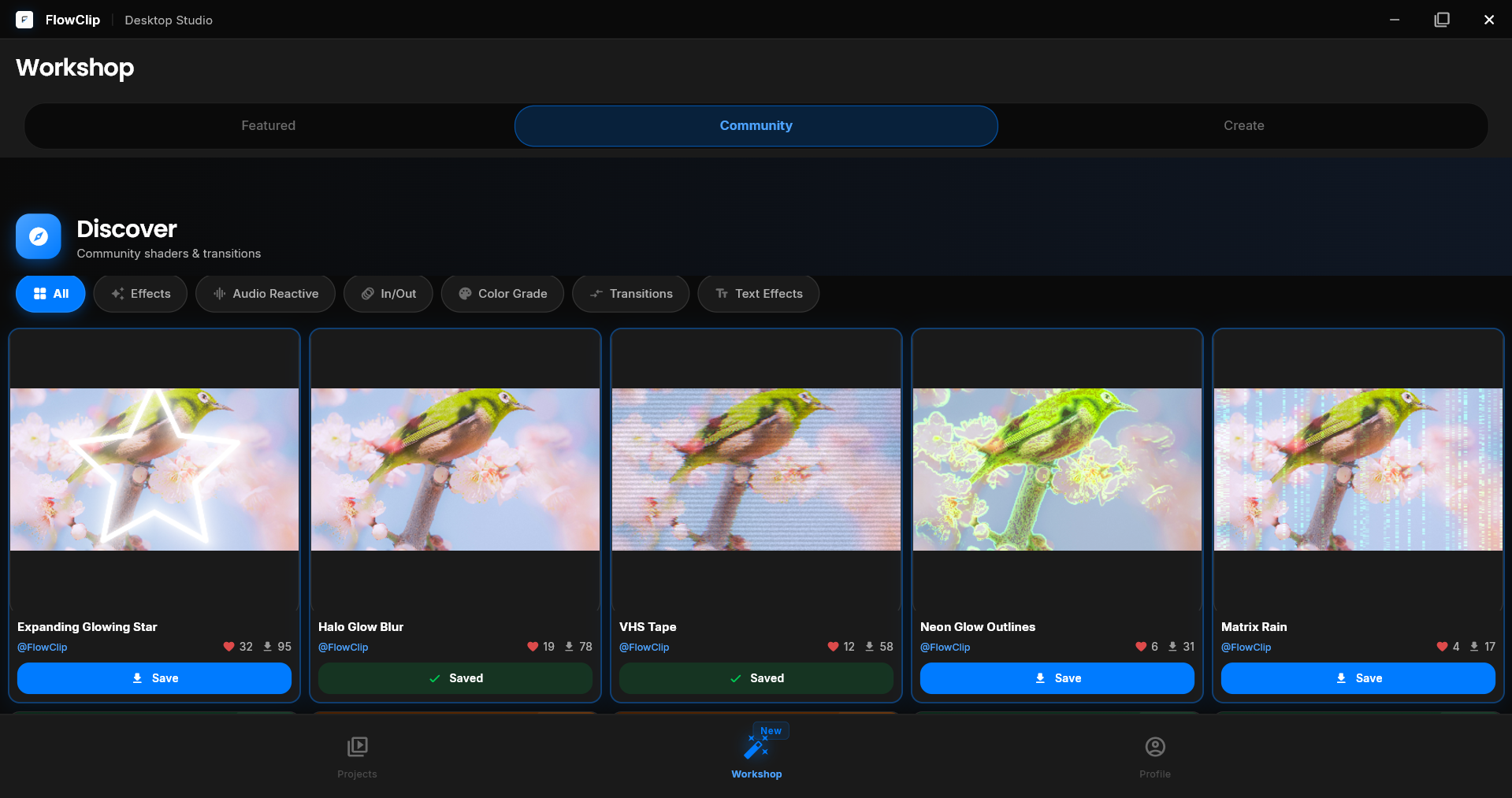
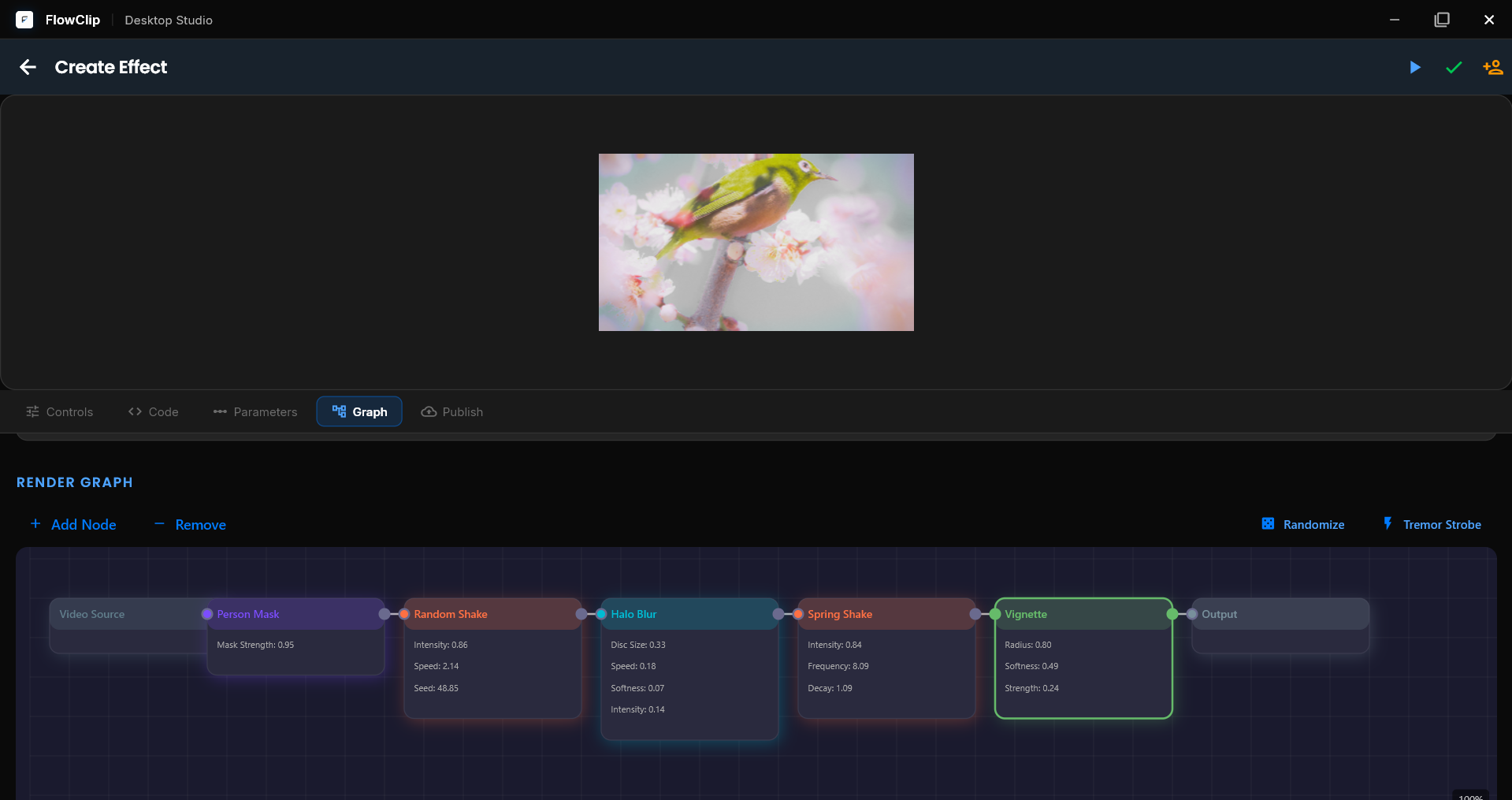
Animate position, scale, rotation, opacity, and masks with precise keyframes and interpolation curves — plus thousands of effects, transitions, and presets from the community.

  • Keyframes on every property
  • Multiple interpolation curves
  • Community effects workshop
Keyframe animation in FlowClip
03

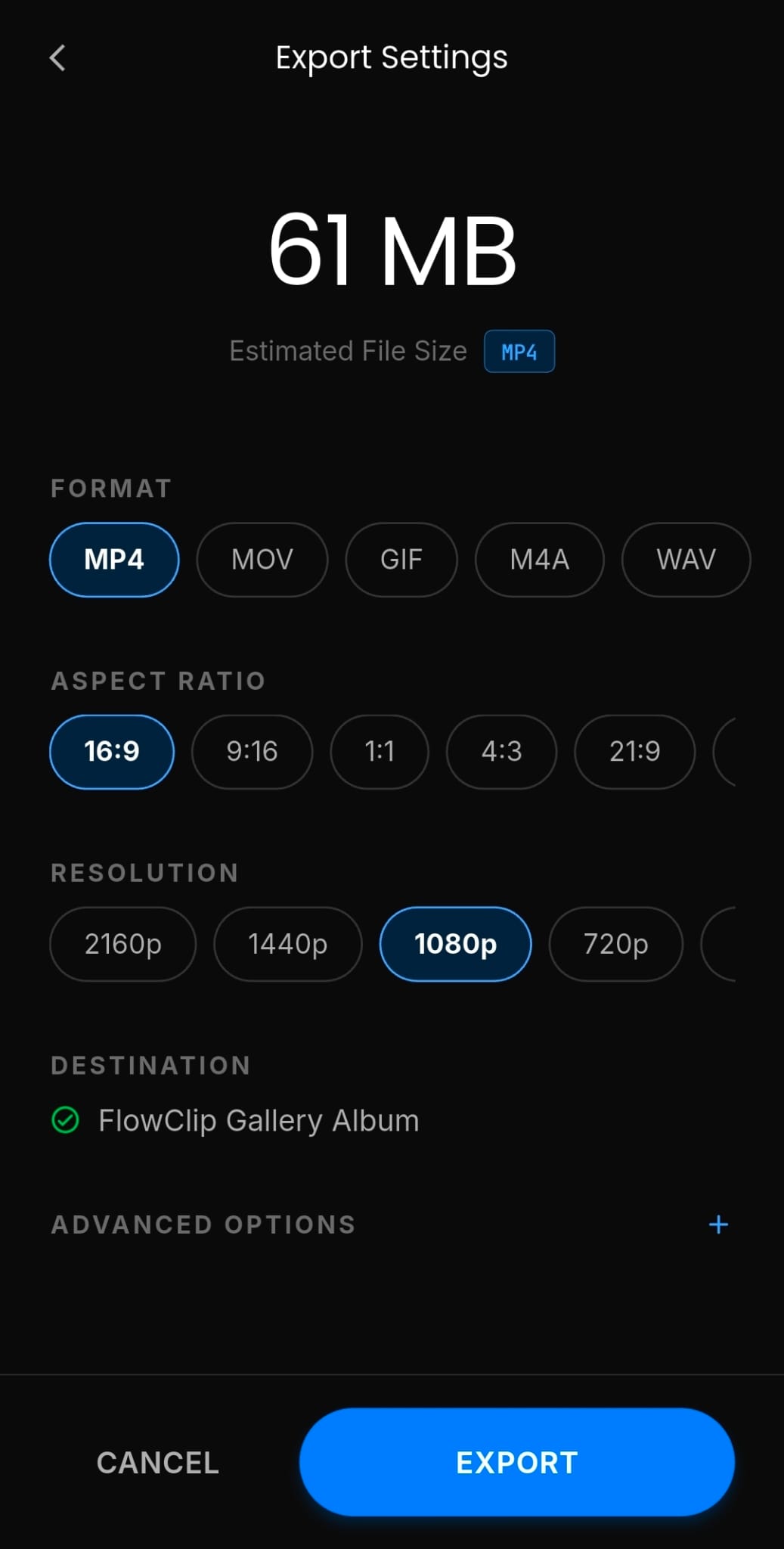
Export without the watermark

Choose your resolution, quality, and format, then render locally at up to 4K 60fps. No watermarks, no forced branding, no quality caps — your work stays yours.

  • Up to 4K 60fps, uncompressed quality
  • Zero watermarks and zero branding
  • Rendered locally, fast
Export settings in FlowClip
Beyond the basics

Small details, big difference.

Waveform audio sync

High-fidelity waveforms and automatic beat markers keep every cut in sync with the music.

Offline & private

Everything processes on your device. No uploads, no accounts, no data leaving your machine.

Community effects

Transitions, text layouts, glitch overlays, and color presets crafted by editors worldwide.

Get started

Download FlowClip.

Keyframes, beat-sync, and multi-track editing — free to start, no account required, and never a watermark.

Android

Android 9.0 and above, on phones and tablets.

Google Play

Also available on Android tablets.